3D Configurator for Complex Products with Many Variations

Much more than just a configurator: Combeenation maps out your entire product logic—technical dependencies, dimensional limits, and standards—with every selection instantly verified and displayed in 3D. Prices, quotes, and bills of materials are generated at the click of a button.

Request a Consultation FAQs
INTERACTIVE

What is a Combeenation 3D configurator?

Not a standard product, but a solution built on your product logic — for products with anywhere from several thousand to several million valid variants. Configuration takes place in the browser: Each selection checks technical dependencies, calculates the price, and displays the result in 3D in real time.

And it doesn't stop at the configurator: Every product configurator can be expanded at any time into a complete CPQ solution — to include price management, quote management, and modules such as a dealer portal — without having to rebuild the ruleset.

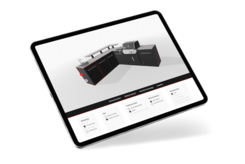
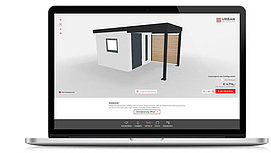
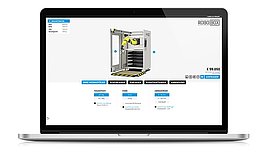
Laptop showing a 3D configurator for modular container solutions.
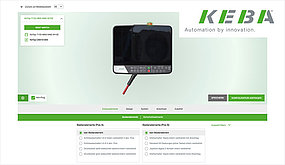
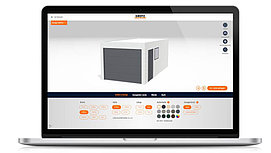
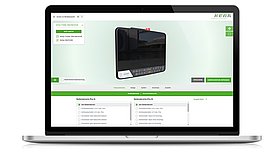
Screenshot of the KEBA configurator.
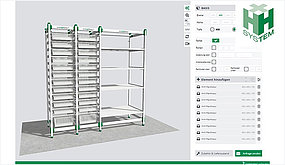
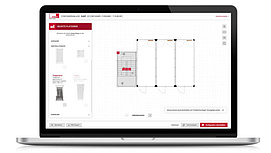
Screenshot of the H+H configurator.
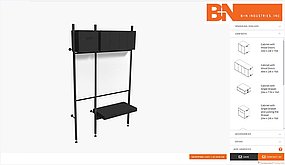
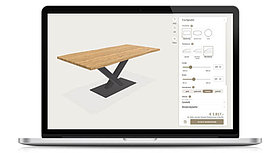
Screen from the BN Configurator.
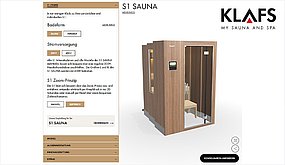
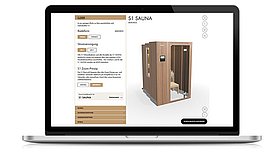
Screen from the KLAFS sauna configurator.
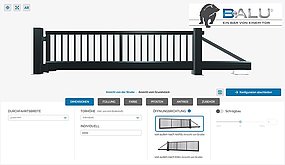
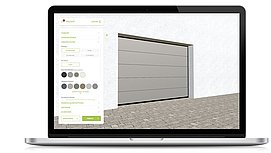
Screen from the BALU Tor configurator.
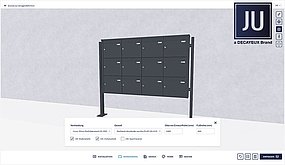
Screen from the JU mailbox configurator.
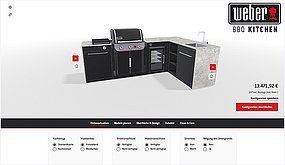
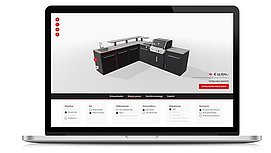
Screen from the BBQ configurator.
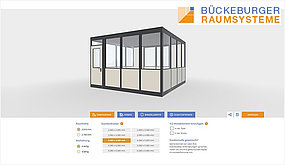
Screenshot of the Bückeburger configurator.
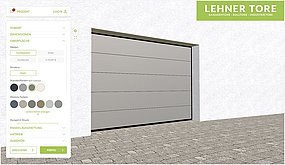
Screen from the Lehner Tore configurator.
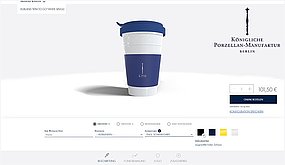
Screen from the KPM configurator.
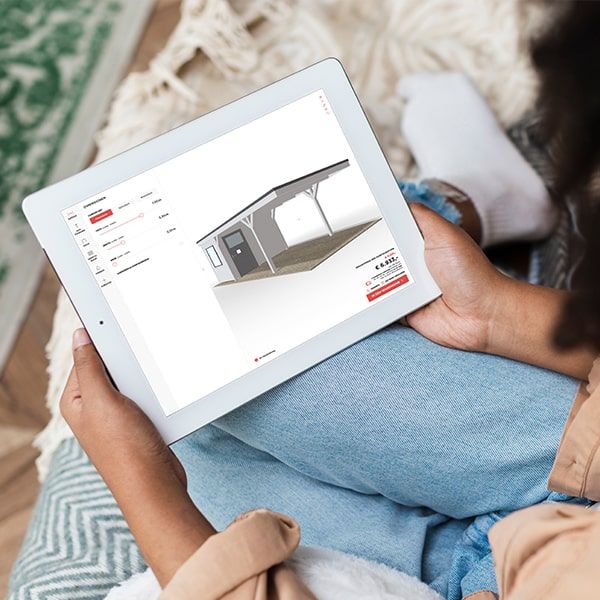
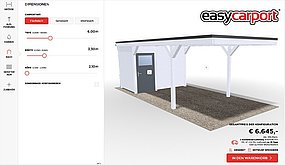
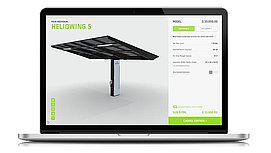
Screen from the carport configurator.

What the 3D configurator does — and how it benefits you

A configurator that understands the product shifts the workload from people to a set of rules.
 

Validation During Data Entry
Anything that comes out of the configurator can be manufactured. Dimensional limits, material thicknesses, and — for example — standard requirements are checked directly during the configuration process.
No change requests due to impossible combinations

Real-time price
The appropriate price is calculated immediately, including customized pricing and discount rules for each customer and sales channel. Learn more about price management
Quotes in minutes instead of days of manual calculation

Guided Interface
Even with countless options to choose from, the configurator remains intuitive. Users are guided through the process rather than being overwhelmed by the variety of choices.
Retailers and new employees can configure products without training

REQUEST A CONSULTATION


Multi-level configuration
Assemblies, modules, and individual items can be nested within one another — with quantities and accessories that vary depending on the variant.
Can also map systems and project business, not just individual products

Quotes and Documents Automatically
The quote is CI-compliant and personalized; the bill of materials, drawing, and assembly instructions are all generated from the same configuration. More about quote management
Engineering and design are no longer needed for quotes

HERE'S HOW IT WORKS

The Project Process — From Concept to Launch

A structured, transparent five-step process.

Discovery Phase
2–4 weeks
Together, we analyze your product logic, the existing system landscape, and the required interfaces. The result is a binding architectural concept — including UI/UX — which we use as the basis for determining the effort and scope of the subsequent phases.

MVP Phase
4–8 weeks
We're building an MVP — an initial, functional version with the most important core features, deliberately stripped down to the bare essentials. This way, you'll be working with a real product after just a few weeks, rather than having to wait until the end of the project.

Expansion
3–6 weeks
Based on feedback from live use, we are gradually expanding the solution to include additional variants, pricing rules, and features — prioritizing those that provide the greatest benefit to your sales team.

Completion
1–2 weeks
We will officially hand over the solution for production use, train your team on how to use the configurator, and provide the technical documentation.

Ongoing Support
on an ongoing basis
After the go-live, we continue to manage the solution: providing support, maintenance, and ongoing development to accommodate new products, variants, or integrations.

Our 3D configurator is used in these industries

Anywhere where modular products with a wide range of variants are configured. Typical areas of application in detail:


Mechanical Engineering: Manufacturing machines, automation cells, and conveyor systems consist of nested assemblies with deep dependencies. The configurator accurately tracks these relationships and makes the machine traceable in 3D. Learn more about CPQ in mechanical engineering.

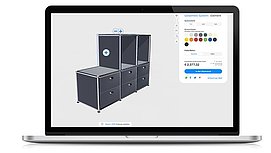
Furniture Systems: Kitchens, shelving units, modular furniture, and coat rack systems are custom-designed — with custom cabinet dimensions, material combinations, and appropriate hardware configurations. Bill of materials and cutting lists are generated automatically. Learn more about the furniture configurator.

Construction: Prefabricated garages, carports, container facilities, and office containers can be freely designed and visualized. Dimensions, for example, are defined continuously using sliders rather than selected from a list of predefined sizes. Learn more about CPQ in the construction industry.

Medical Technology: X-ray systems, functional carts, surgical instruments, and diagnostic and laboratory equipment are subject to strict requirements. The configurator checks compliance with standards and permissible combinations as data is being entered. Learn more about CPQ in medical technology.

Agricultural Technology: Tractors, attachments, harvesters, and barn equipment are usually put together on a project-by-project basis. The configurator reliably maps out the compatibility between attachments and carrier vehicles, as well as quantity logic and accessories.

Electronics and Control Components: Drive controllers, HMI terminals, distribution panels, and enclosures quickly result in millions of combinations. The control system ensures an error-free configuration — including the model code, data sheet, and price—at the touch of a button. Case Study: Drive Controller.​​​​​​​

Configurators in Practice

3D Configurator in Your System Environment

Combeenation is intentionally designed to be system-agnostic and is compatible with ERP, CRM, PIM, and e-commerce systems via interfaces.

  • ERP Integration: Configuration, quote, and order data are transferred directly to your ERP system and documented in real time — including the bill of materials and variant code.
    Microsoft Dynamics 365 | SAP ERP | Oracle | Other Leading Systems
  • CRM Integration: Configurations remain traceable within the customer record and can be retrieved and modified later.
    Microsoft Dynamics 365 | Salesforce | SAP Sales Cloud | other leading systems
  • PIM Integration: Product information is managed centrally and presented consistently — including in the configurator.
    PIMCORE (Technology Partner) | Atamya / Akeneo | Inriver | Other Leading Solutions
  • E-commerce Platforms: Configurable products can be made available for order directly in the online store — the configuration is added to the shopping cart as an item with a price and variant code.
    Shopware | Shopify | WooCommerce | Magento
  • Website: The 3D product configurator can be embedded into any website using an iFrame — regardless of the CMS, including WordPress, TYPO3, or Joomla.


The configurator can be integrated without requiring you to modify your system architecture. Learn more about integration

EINBLICK

Experience Combeenation live

See for yourself how the 3D product configurator works. In just over two minutes, you’ll see a selection of implemented configurators — ranging from machines to furniture and shelving systems to container systems.

All of the examples are running in production at customer sites, each with its own user interface and set of rules.

Certificates & Awards

Multi-award-winning configurator technology

On the market since 2009, more than 9 million users have used Combeenation to configure their systems.

G2 badges for Combeenation

Frequently Asked Questions About the 3D Configurator

What is a 3D configurator?

A 3D configurator is a software tool that allows users to configure a product based on its available variants while displaying it in three dimensions in real time. The display is based on a set of rules that determine which options, dimensions, and combinations are technically feasible. This automatically generates the price, bill of materials, and quotation documents.

How much does a 3D configurator cost?

The costs depend on the scope of the project and the complexity of your product logic. An interactive cost estimator is available for an initial estimate.

Can a 3D configurator be integrated into existing systems?

Yes. Combeenation is designed to be system-agnostic and connects to ERP, CRM, PIM, and e-commerce systems via interfaces. Details on integration

For which products is a 3D product configurator worthwhile?

For all products with a significant number of variants: modular furniture and structures such as garages, carports, or prefabricated houses, as well as complex technical products such as electronics and control systems, or machines, equipment, and components. As a rule of thumb: As soon as the number of variants becomes too large for people to keep track of without making errors, it’s worth establishing a set of rules.

Ready to use
your custom
configurator?

You show us your products, and we'll show you what the configuration, pricing, and quote would look like — including an estimate of the effort and timeline.

REQUEST A CONSULTATION